How medical device sales reps capture clinical conversations and log them to CRM
Author: Rachel Stewart, co-founder, Listel
Medical device sales reps capture clinical conversations by recording them hands-free, with a wrist wearable or an Apple Watch, and syncing the notes to CRM from their phone afterward. With Listel, a hallway conversation with a surgeon, a scheduled 1:1 with an HCP or a hospital in-service becomes a summary with questions, objections, competitive mentions and next steps. Reps on Pro or Enterprise sync it to Microsoft Dynamics 365, Salesforce or HubSpot, so the conversation is in CRM the same day.
Why clinical conversations rarely make it into CRM
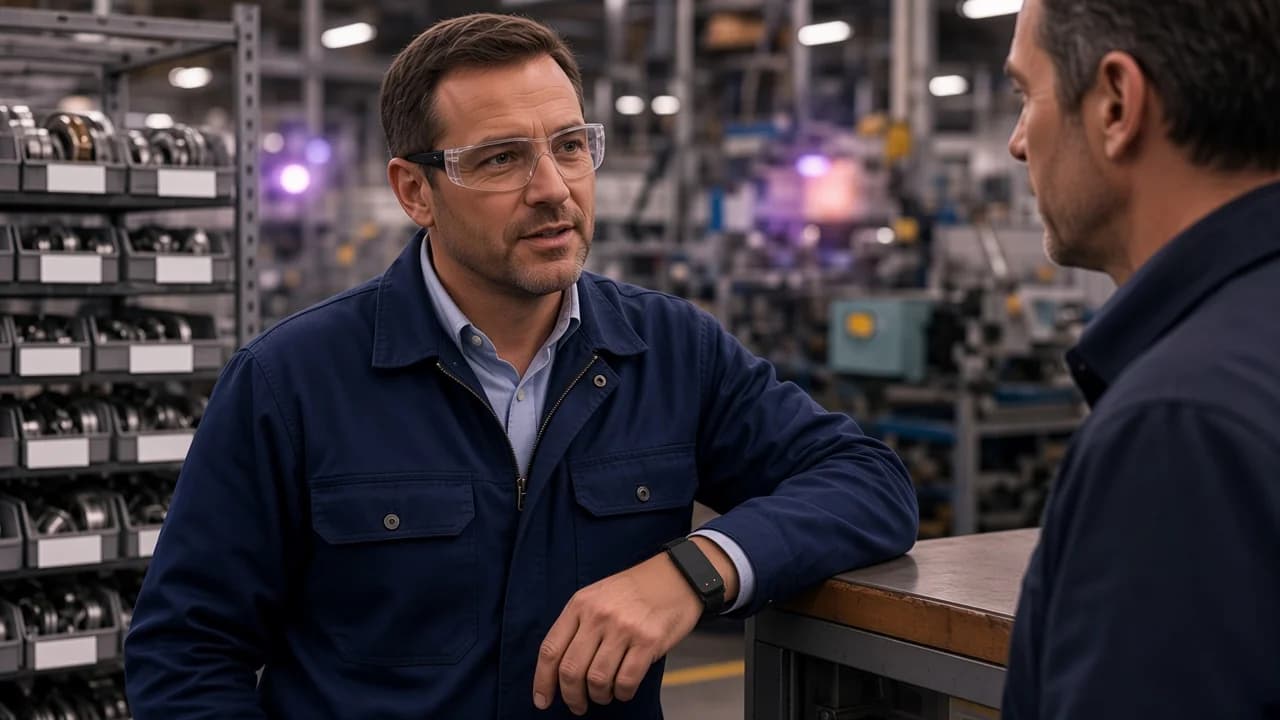
The conversations that move a medical device deal happen face-to-face: a few minutes with a surgeon between cases, a question from a charge nurse during an in-service, a product evaluation debrief in a hospital hallway. A laptop isn't realistic in any of those places, and holding a phone up to an HCP's face isn't either.
So reps rely on memory. By the time they walk out of the hospital, half the clinical details are gone. The surgeon's question about sizing, the competitive product someone mentioned, the follow-up promised to the materials manager: those are exactly what slips. What reaches CRM is "met with Dr. X, positive," hours later, if anything.
Sales leaders feel it as low visibility. They can see that a rep was at an account. They can't see what the clinical team actually said.
Where call tools stop
Video-call recorders and conversation intelligence tools are built for Zoom and Teams. Medical device sales happens in OR hallways, cath labs, clinic corridors and conference rooms, where there's no call for a tool to join. Those conversations need capture that goes where the rep goes.
How reps capture clinical conversations without a phone
The Listel wearable
The rep wears the lightweight Listel wrist wearable before walking into the hospital. It captures conversations hands-free in hallways, conference rooms and wherever else the conversation happens, with no phone on the table. It has a visible LED, so recording is never hidden.
The Apple Watch app, when the device isn't on you
The Listel Apple Watch app is an alternative to the wearable. It's there for the day the device is in the car, for a new rep who hasn't received one yet, or for a rep who would rather use the Watch they already wear. Start it from the Listel app on the Watch, the Smart Stack, a Listel complication on the watch face, Siri, or the Action button on Apple Watch Ultra. The recording links to the rep's next calendar meeting.
Two details matter in a hospital:
- Wrist-down recording. Recording keeps going with the wrist down, so the rep can stay present in the conversation.
- Works offline. Basements, interior corridors and older buildings often have weak signal. Listel records offline and uploads once there's a connection.
When the conversation ends, a Watch recording hands off to the iPhone for review and sync.
Where reps use it
Listel is built for the clinical touchpoints on our medical device sales page:
- Physician meetings. Hallway conversations and scheduled 1:1s with HCPs.
- Hospital in-services. Training sessions with clinical staff, so key questions and concerns are documented.
- Product evaluations. Feedback from the clinicians evaluating the product.
- Trade shows and conferences. Demo conversations with potential accounts. See trade show conversations to CRM.
Always follow the facility's rules on where recording is allowed. More on that below.
What Listel pulls out of the conversation
Listel transcribes the conversation, including in noisy hospital environments, and organizes it into something a rep and a manager can use:
- Questions from surgeons and clinical staff
- Objections about the product
- Decisions made in the conversation
- Competitive mentions
- Follow-up commitments and next steps
From there, the rep can generate a follow-up email to surgeons or clinical staff in seconds, based on what was actually said. No more typing a recap from memory at a red light.
How it gets into Dynamics 365, Salesforce or HubSpot
The rep reviews the notes on their phone and edits the summary, highlights and next steps if anything needs fixing. The transcript stays as recorded. The rep confirms who was there, then syncs. What lands depends on the CRM:
- Microsoft Dynamics 365. The conversation syncs to one D365 appointment, marked completed by default, with a Note holding the summary, highlights and next steps. People are matched to Dynamics contacts, and the recap PDF and transcript can be attached. Dynamics 365 requires a separate D365 license. For details, see the Dynamics 365 integration and how reps log in-person meetings to Dynamics 365 from an Apple Watch.
- Salesforce. The conversation syncs to one Salesforce Event, either the Event the rep recorded from or a new one. Listel attaches a "Listel notes" note with the summary, key points and next steps, the transcript as a text file, and the recap PDF, which is on by default. Other matched contacts get a short timeline note linking to the Event.
- HubSpot. Listel adds a note to the contact the rep picks, with the summary, highlights, date, duration and topics.
A few things hold across all three:
- One-time setup. An admin connects the CRM once for the whole organization.
- Plans. CRM sync is included on Pro (the Core Seat, $349 per user per year, device included) and Enterprise ($649 per user per year, adding API access and AI agent data access). See pricing.
How Listel handles clinical data privacy
Listel is designed with healthcare data privacy in mind. All conversations are end-to-end encrypted and stored securely, and your clinical data is never shared and never sold. Organizations can configure privacy settings for their team. Each company owns its own data, and Listel never trains on it.
Getting consent with clinical staff
Transparency comes first. Listel is built around a clear request before every recording, so providers and clinical staff know what's happening. A simple line works: "Mind if I record this so I can get your feedback right? I'll send you a recap." Record once everyone agrees, and stop if anyone would rather you didn't. In an in-service with a group, make sure the whole room heard the question.
Hospitals, surgery centers and clinics have their own policies on recording, vendor access and devices in clinical areas. Learn the site policy before you record, follow it every time, and check with your compliance team on how to handle conversations where patient information could come up. Consent and notice rules also vary by state and country, so align with your legal and compliance teams on what reps say and where they record. This section is general guidance and should not be taken as legal advice.
Frequently asked questions
How do medical device reps log HCP and surgeon meetings to CRM?
They record the conversation with Listel, using the wrist wearable or the Apple Watch app. Listel writes a summary with questions, objections, competitive mentions and next steps. The rep reviews it on their phone and syncs it. In Dynamics 365 it lands on the appointment, in Salesforce on an Event, and in HubSpot as a note on the contact.
How can I capture a hallway conversation or in-service without pulling out a phone?
Wear the Listel device, or start a recording from your Apple Watch with Siri, the Smart Stack, a complication, the app or the Action button on Ultra. Both capture hands-free, so your attention stays on the clinician.
Can I get clinical conversation notes into Salesforce, HubSpot or D365?
Yes. Pro and Enterprise include CRM sync to Microsoft Dynamics 365, Salesforce and HubSpot. Dynamics 365 and Salesforce get the notes on the meeting record (a D365 appointment or a Salesforce Event), and HubSpot gets a note on the contact the rep picks. Dynamics 365 requires a separate D365 license. An admin connects the CRM once for the whole organization.
Do I need the wearable if I have an Apple Watch?
No. The Apple Watch app is an alternative to the wearable, for days you forgot the device, if you don't have one yet, or if you prefer your Watch. Both capture the conversation and sync it the same way.
Is my clinical data secure?
Listel is designed with healthcare data privacy in mind. Conversations are end-to-end encrypted and stored securely, and your clinical data is never shared or sold.
How do I get consent to record with surgeons and clinical staff?
Ask clearly before every recording, record only once everyone agrees, and follow each facility's recording policy. Align with your legal and compliance teams on wording. This is general guidance and should not be taken as legal advice.
Stop losing clinical conversations
Every surgeon meeting, product evaluation and hallway conversation holds detail your CRM needs. See Listel for medical device sales, compare plans, or download Listel and capture your next clinical conversation hands-free.